
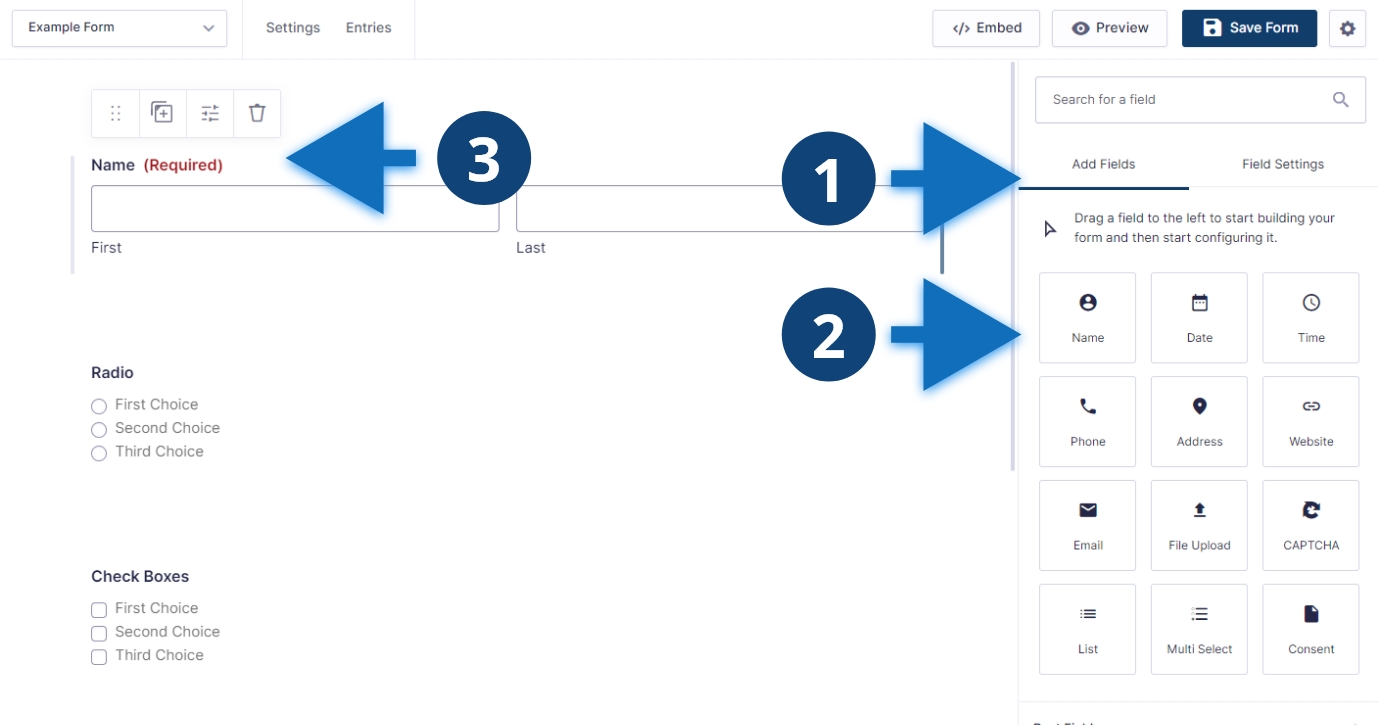
Steps to add a field
- Click “Add Fields”.
- Scroll down to find the field type you want to add.
- Drag the field to the main editor and edit the settings as needed.
Other considerations
Gravity forms has many different field types. Scroll through the field types and find the one that best matches your needs. Radio buttons are fields that allow only one item to be selected. Check boxes are fields that allow multiple items to be selected. You can rearrange fields after you have placed them in the editor.
