
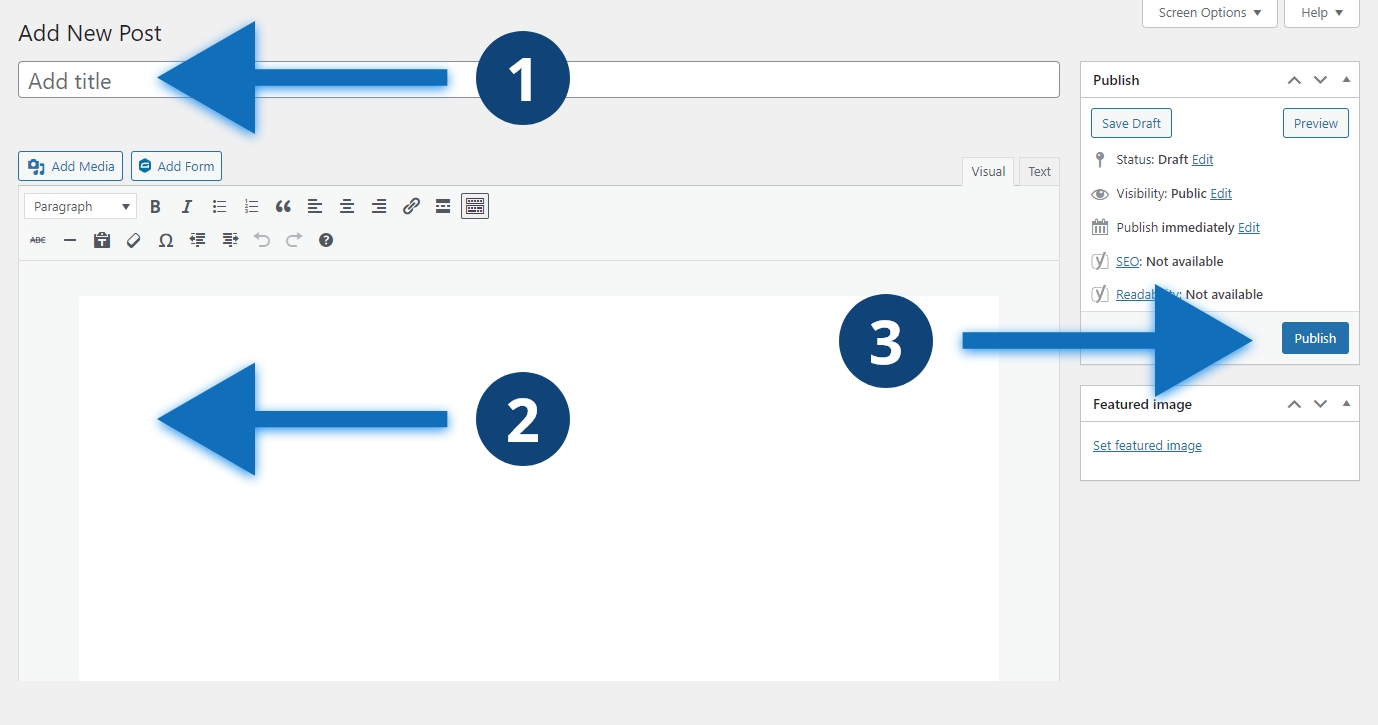
Steps to publish a post
- Add a title to your post
- Add any content and complete all fields
- Click publish
Other considerations
You may have categories, topics, or other options in your sidebar. Select the appropriate terms for the post before publishing. Don’t publish your post before adding your title, otherwise you will have a random number, such as 9431, for the url instead of the title of your post.
