
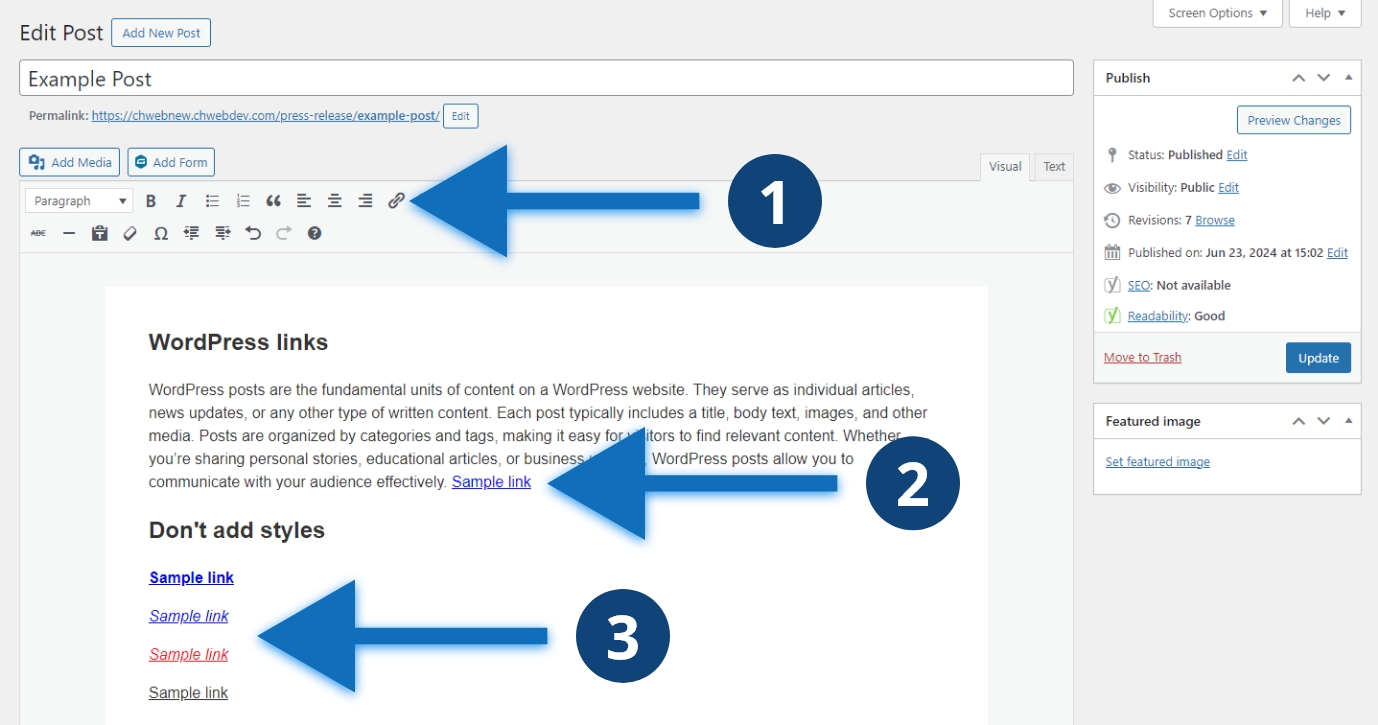
Steps to style a link
- Select the text you want to link and click the “Insert/edit link” button
- Your link will automatically be styled correctly
- Don’t apply additional styles to your link
Other considerations
It is tempting to style your links to make them more aesthetically appealing. Avoid applying your own styles to links. Your web designers and developers have carefully selected default link styles for readability and accessibility. Avoid changing bolding, italicizing, or underlining your links. Changing color can also negatively impact accessibility and usability. Don’t underline non-link text so as to avoid confusing users into thinking the text is a link.
